

FinTrack – Privacy-First Expense Tracker with Automatic SMS & UPI Capture
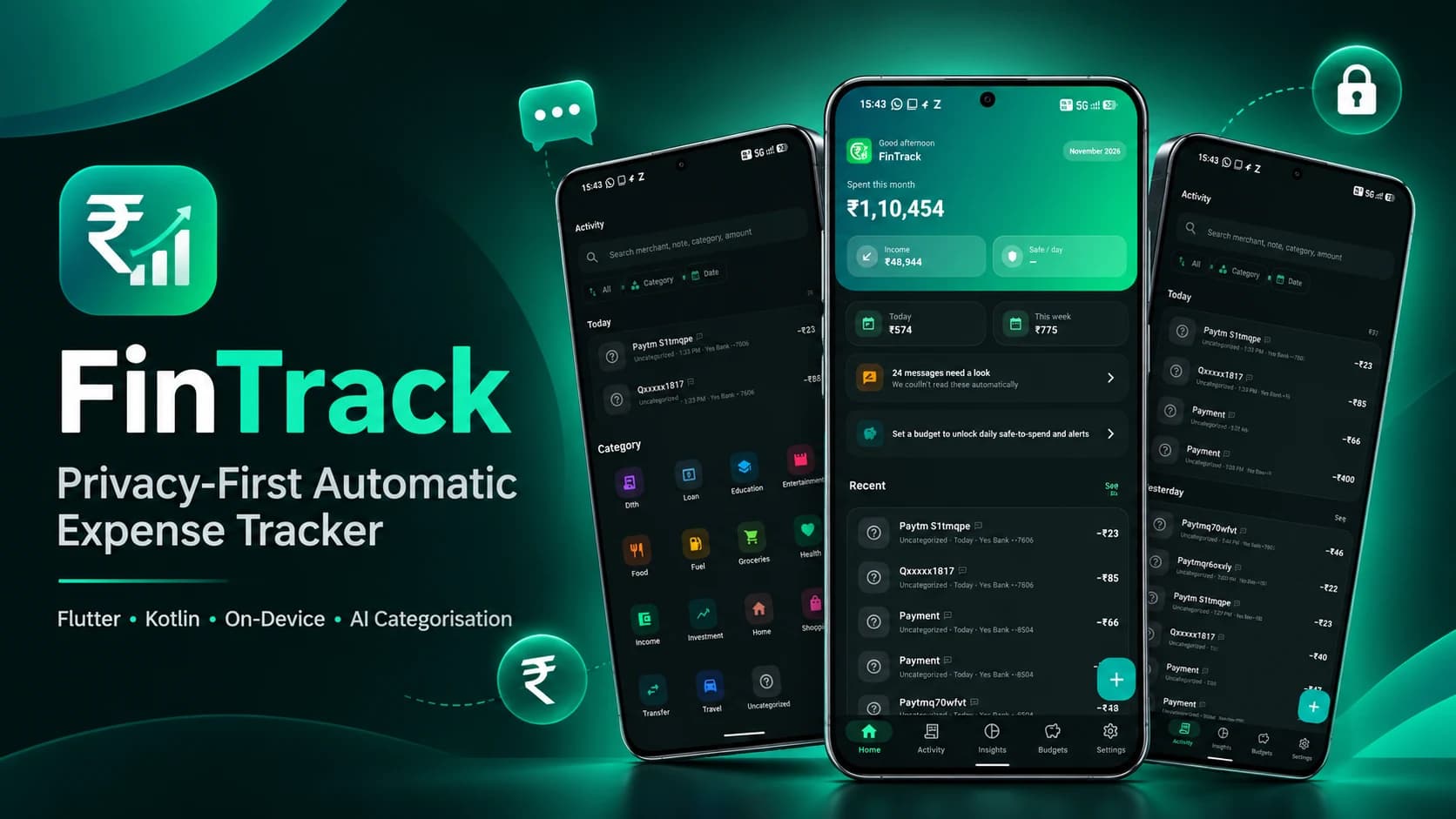
FinTrack is an Android expense tracker that reads bank SMS and UPI app notifications to record every transaction automatically, with no manual entry and no cloud server. Built as an internal R&D project by CodeAj.
Technologies
Screenshots
Phases
Internal R&D project by CodeAj, not a paid client engagement. Android only, distributed as a sideloaded APK and not published on Google Play because of Play Store SMS permission policies. Built for single-device personal use. Screenshots use demo or masked data.
Project breakdown
From understanding the problem to delivering the solution — here’s how we approached this project.
The Challenge
01What needed solving
Most expense trackers fail because people stop adding entries by hand after a few days. Apps that track spending automatically usually upload bank data to their own servers, which raises privacy concerns. Indian payments add more complexity: a single UPI payment can trigger both a GPay or PhonePe notification and a bank SMS, every bank uses its own message format, and inboxes are full of promotional messages, OTPs and loan offers that look like transactions but aren't. We wanted to find out whether a fully automatic tracker could run entirely on the phone and still be accurate.
Our Approach
02How we planned it
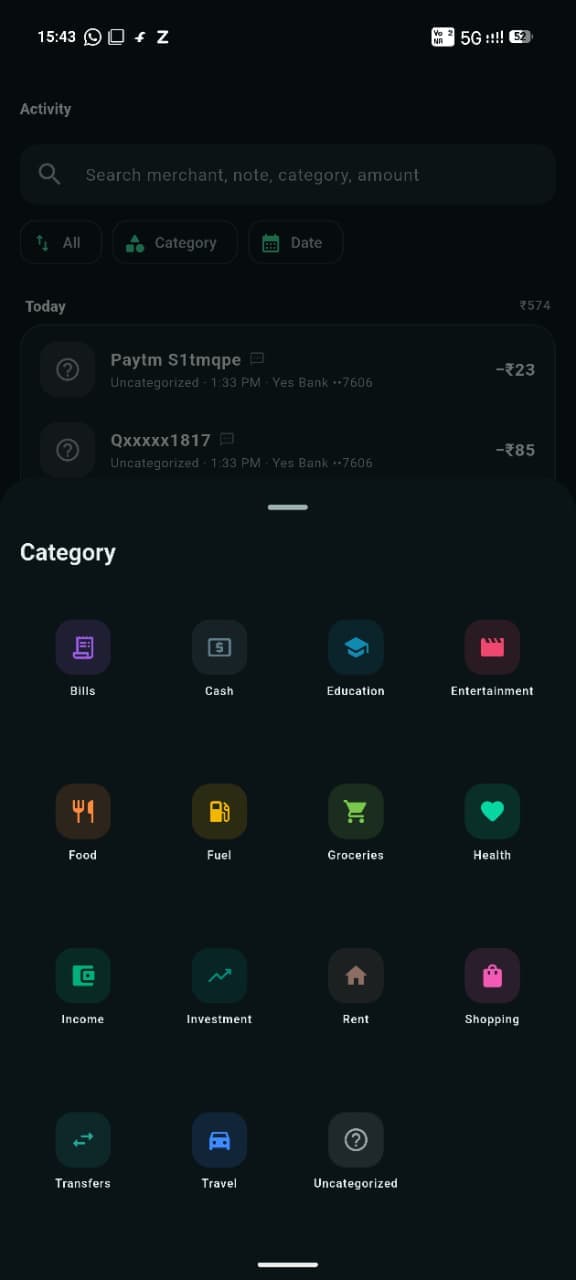
We kept everything on the device: no backend, no login and no cloud sync, with all data stored in a local SQLite database. Native Kotlin services capture incoming bank SMS and UPI notifications in real time, plus a one-time import of the last six months of SMS. A pure-Dart parser then filters out non-transactions and extracts the amount, type, merchant, account and UPI reference, using a generic pattern first and bank-specific templates as fallbacks. A dedup step merges the notification and the SMS for the same payment so nothing is counted twice. For categories, user rules come first, then built-in keyword rules, and finally an AI suggestion. When the AI is used, only the merchant name is sent, never amounts or account details.
The Solution
03What we built
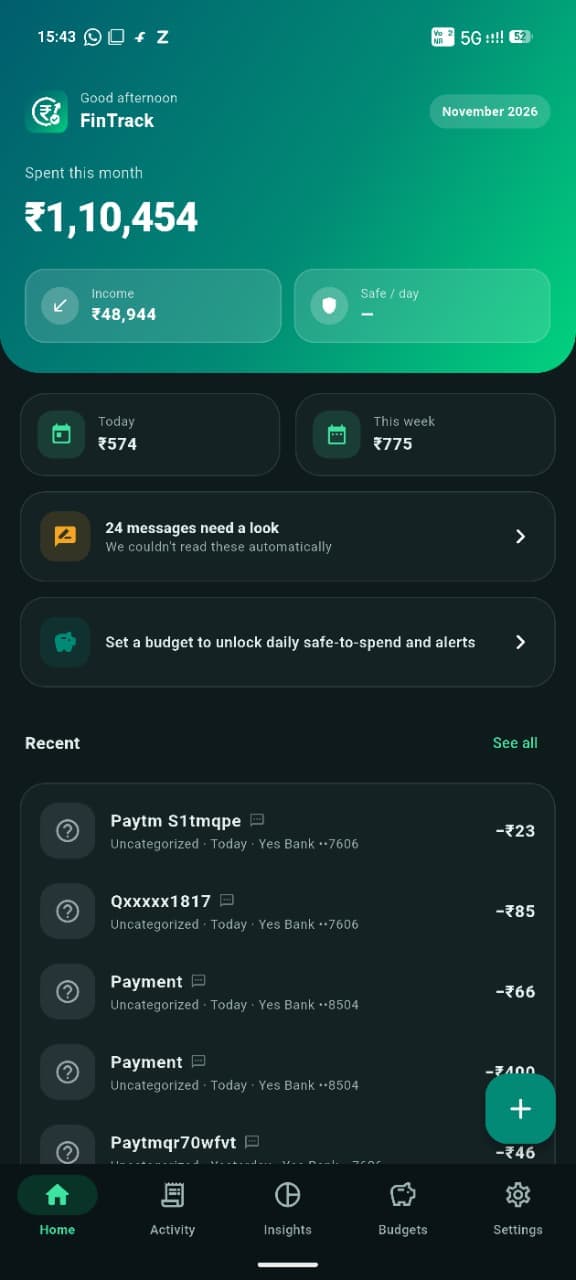
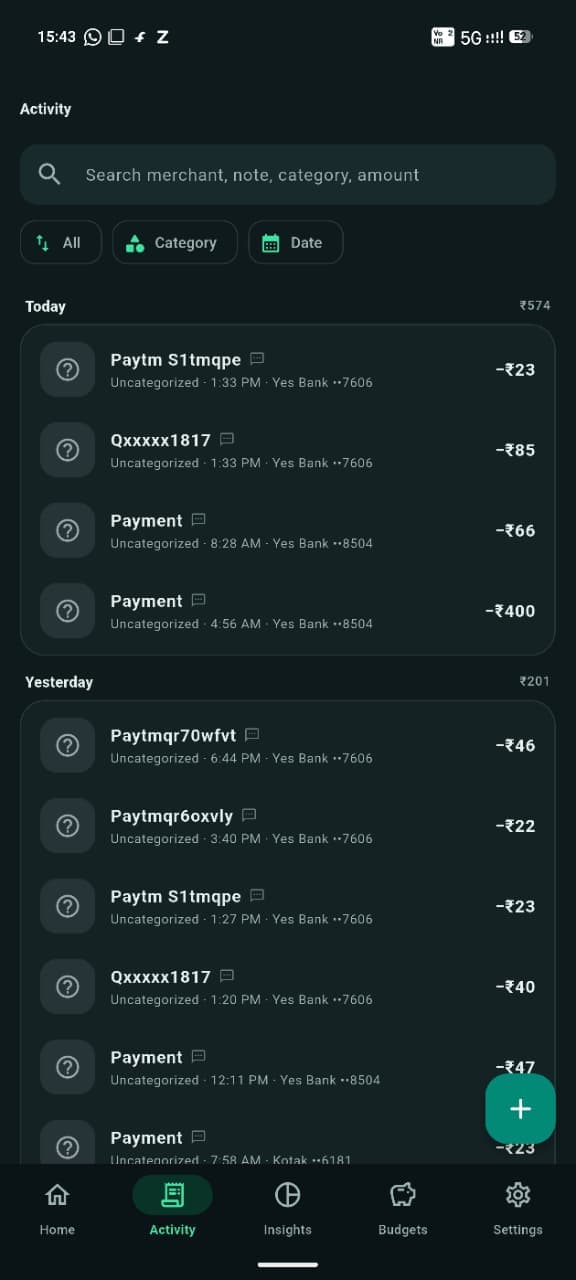
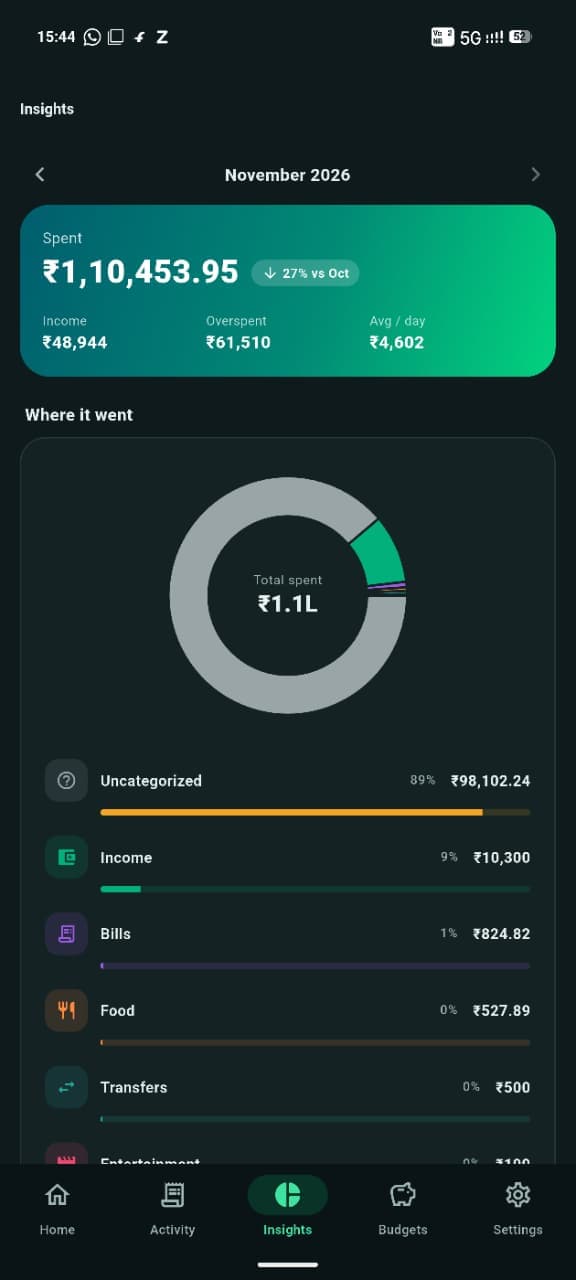
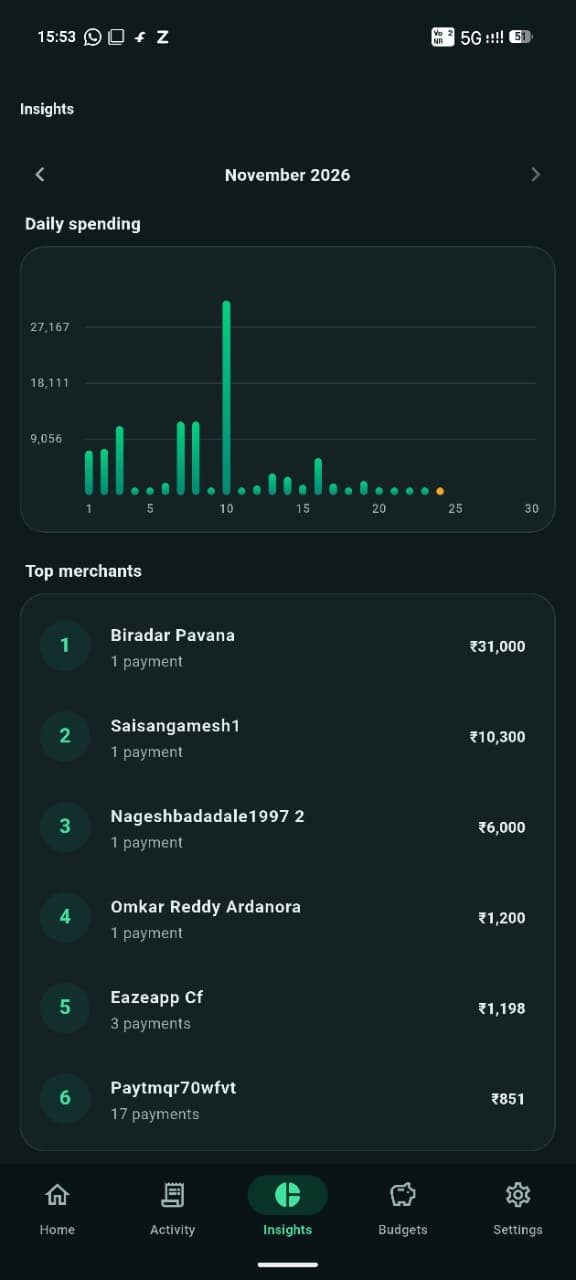
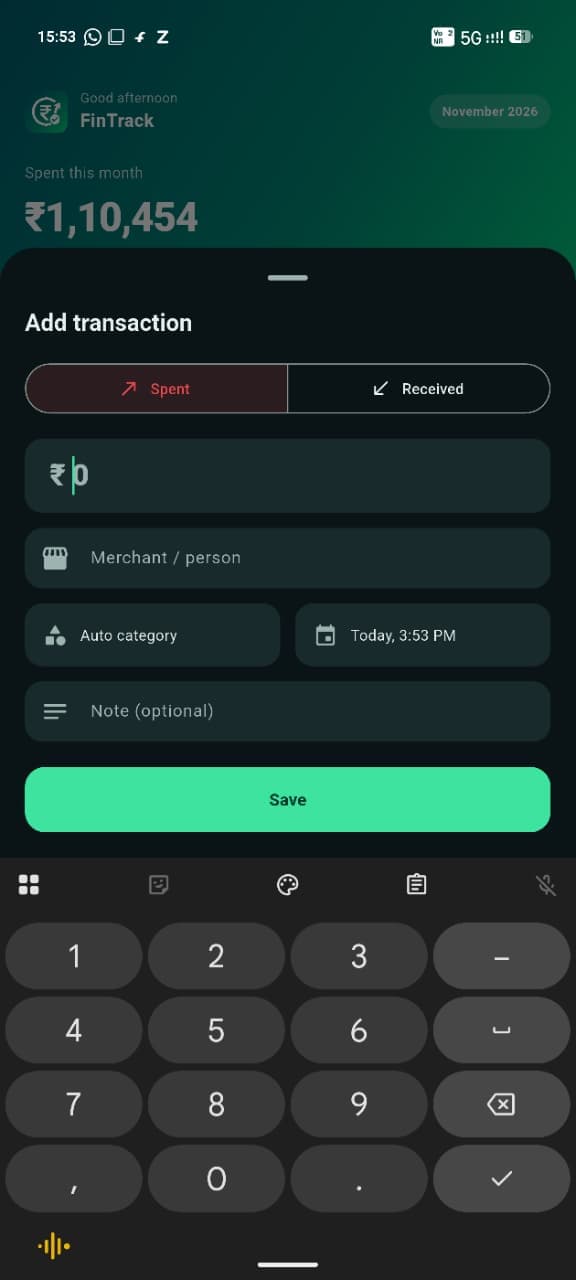
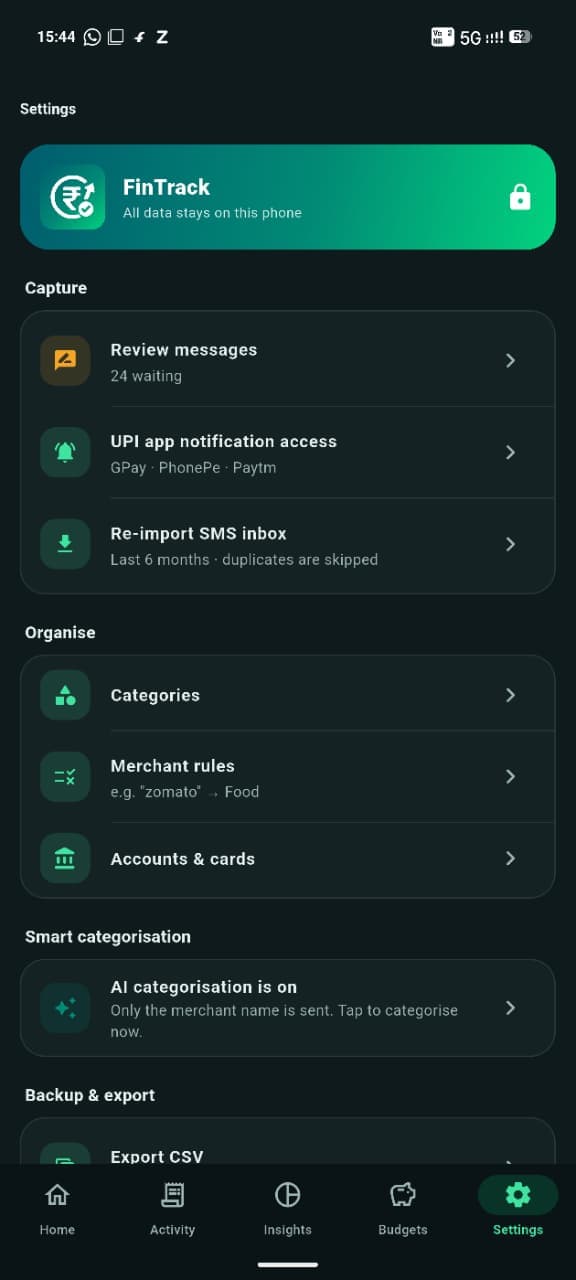
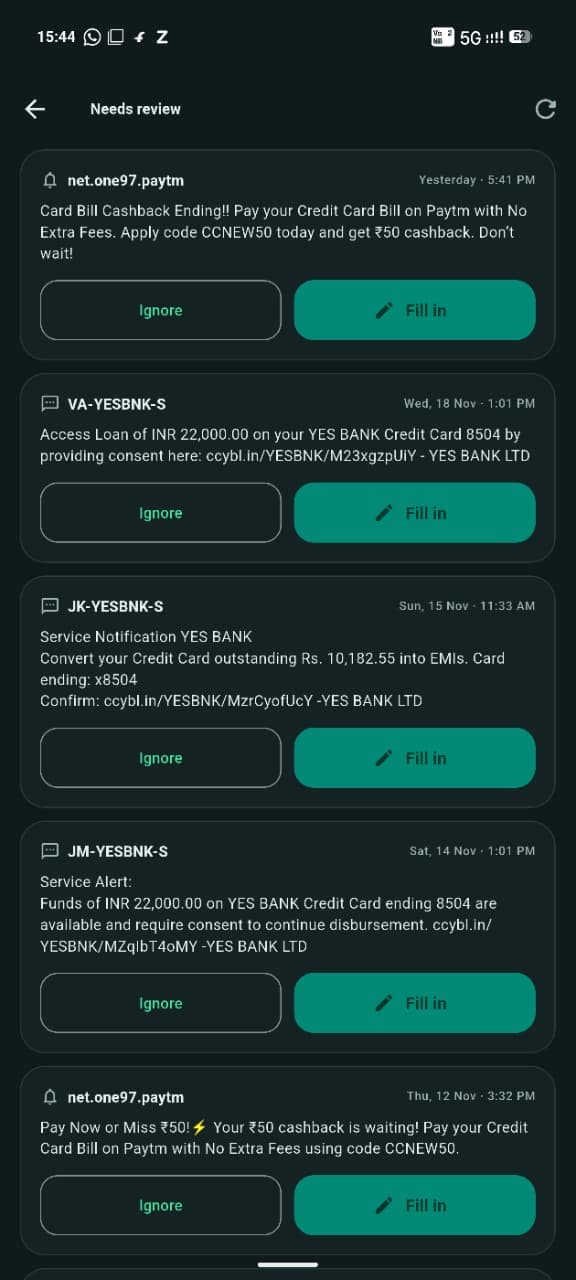
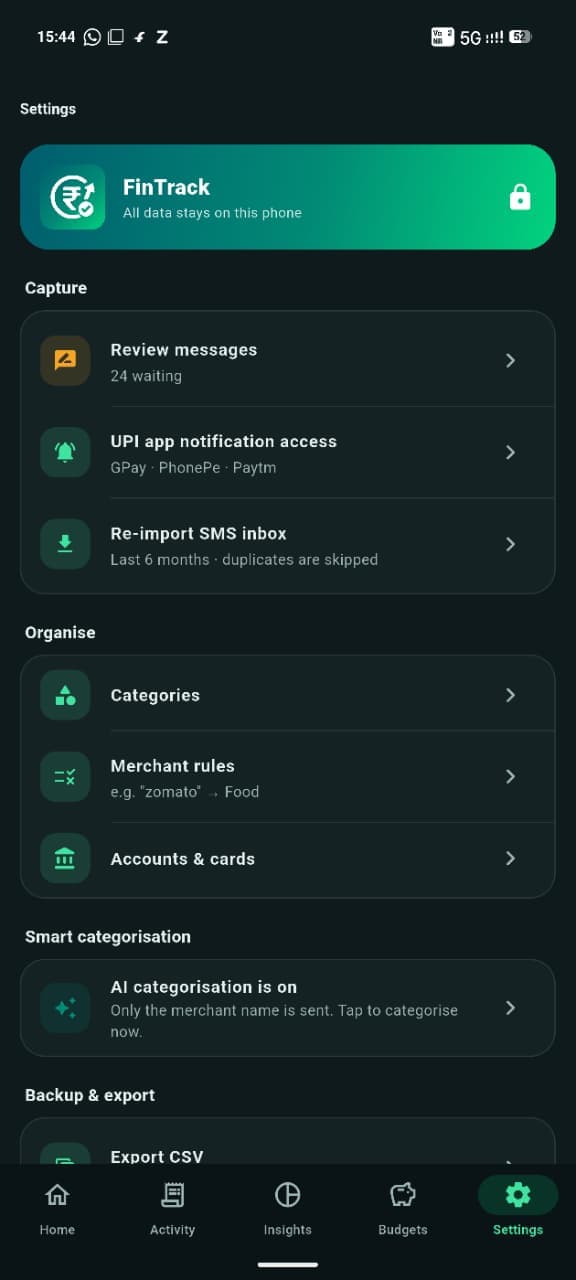
The home screen shows monthly spend, income, today's and this week's totals, a daily safe-to-spend figure once budgets are set, and the most recent transactions. The Activity screen lists transactions grouped by date, with search across merchant, note, category and amount, plus category and date filters. Users can add a manual transaction for cash spends, change a category once and have it applied to the same merchant in future, and mark self-transfers so they don't count as spending. The Insights screen breaks down spending by category with a donut chart, compares the month against the previous one, and shows daily spending bars and top merchants. Budgets can be set per category, with alerts at 80% and 100% of the limit. Messages that the parser can't read go to a Review queue, where they can be filled in or ignored, which helps improve the parser over time. Settings cover notification access, SMS re-import with duplicate skipping, categories, merchant rules, accounts and cards, AI categorisation, CSV export and an app lock.
The Outcome
04The results delivered
FinTrack runs daily as a working prototype, capturing transactions from multiple bank accounts and UPI apps automatically without any data leaving the phone apart from merchant names for AI categorisation. The project gave CodeAj reusable experience in native Android capture, transaction parsing and on-device fintech architecture.
Technology used
Project screenshots
Explore more projects
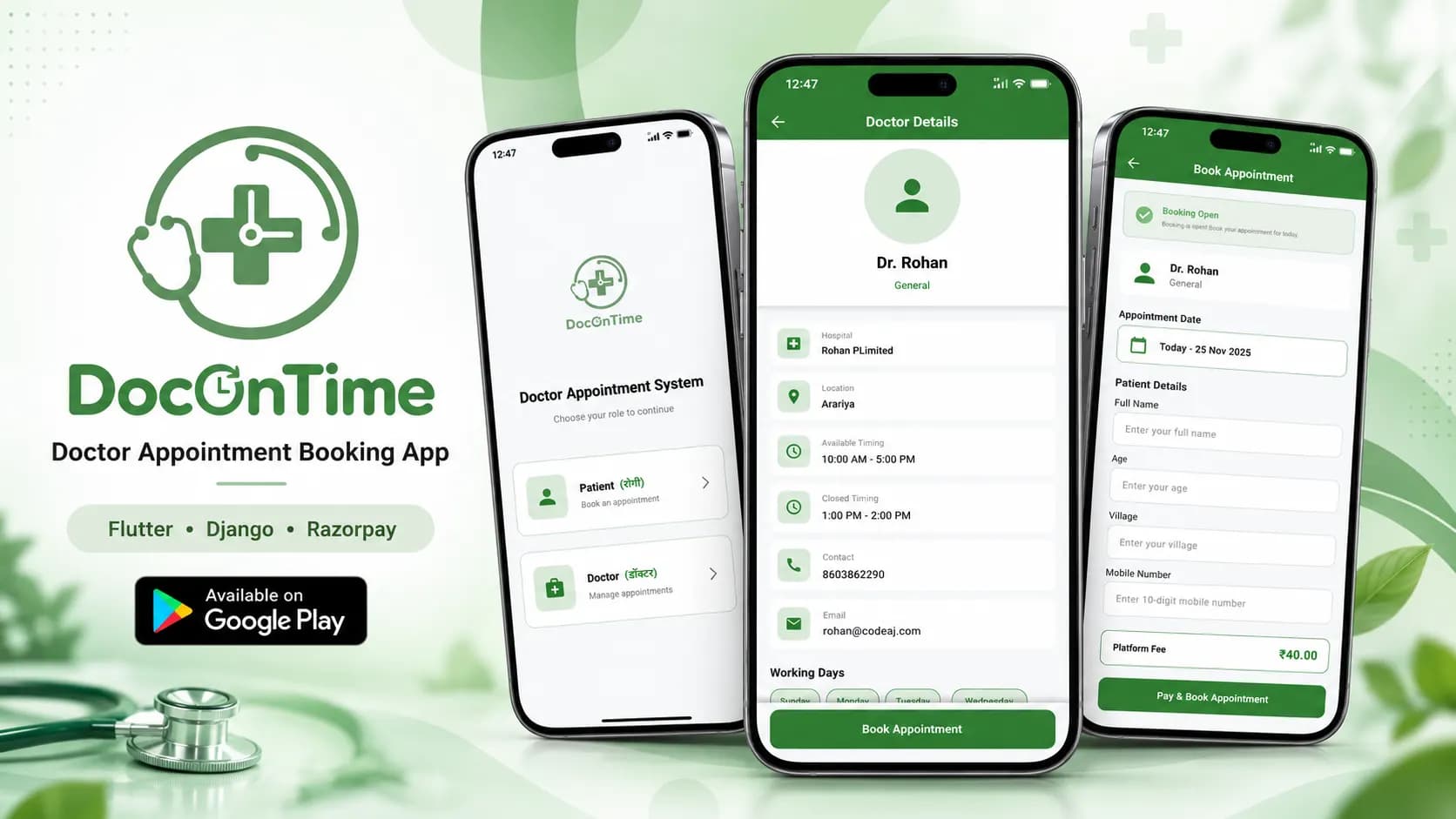
DocOnTime - Doctor Appointment Booking App with Online Payments
DocOnTime is an Android app for booking doctor appointments and paying online, with a dedicated portal for doctors. Built by CodeAj for a healthcare client and live on Google Play.
View project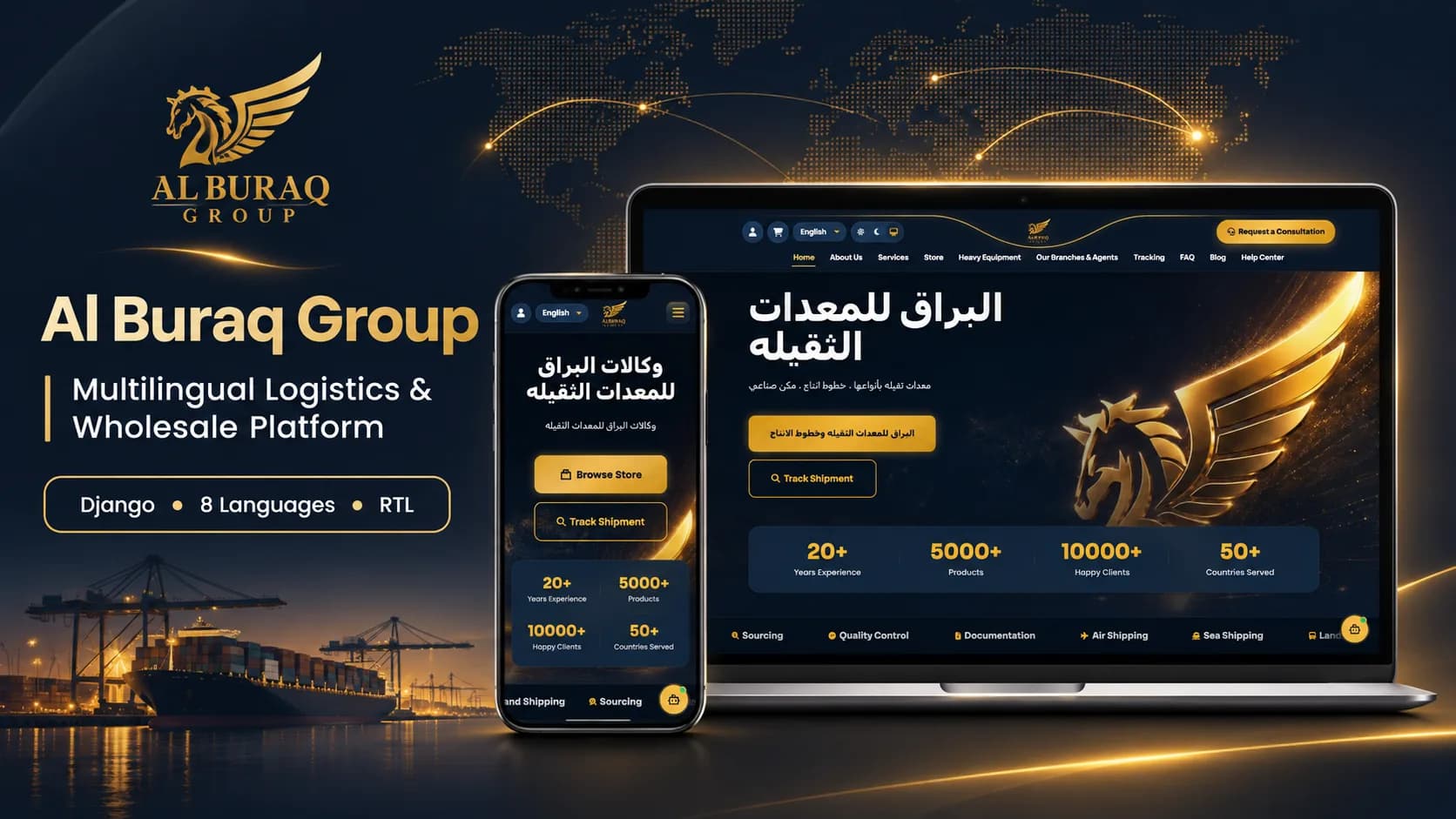
Al Buraq Group – Multilingual Trade, Logistics & Wholesale E-commerce Platform
A multilingual website and wholesale store for Al Buraq Group, a China-based trading and shipping company, with product catalog, shipment tracking and heavy-equipment listings. Built by CodeAj.
View project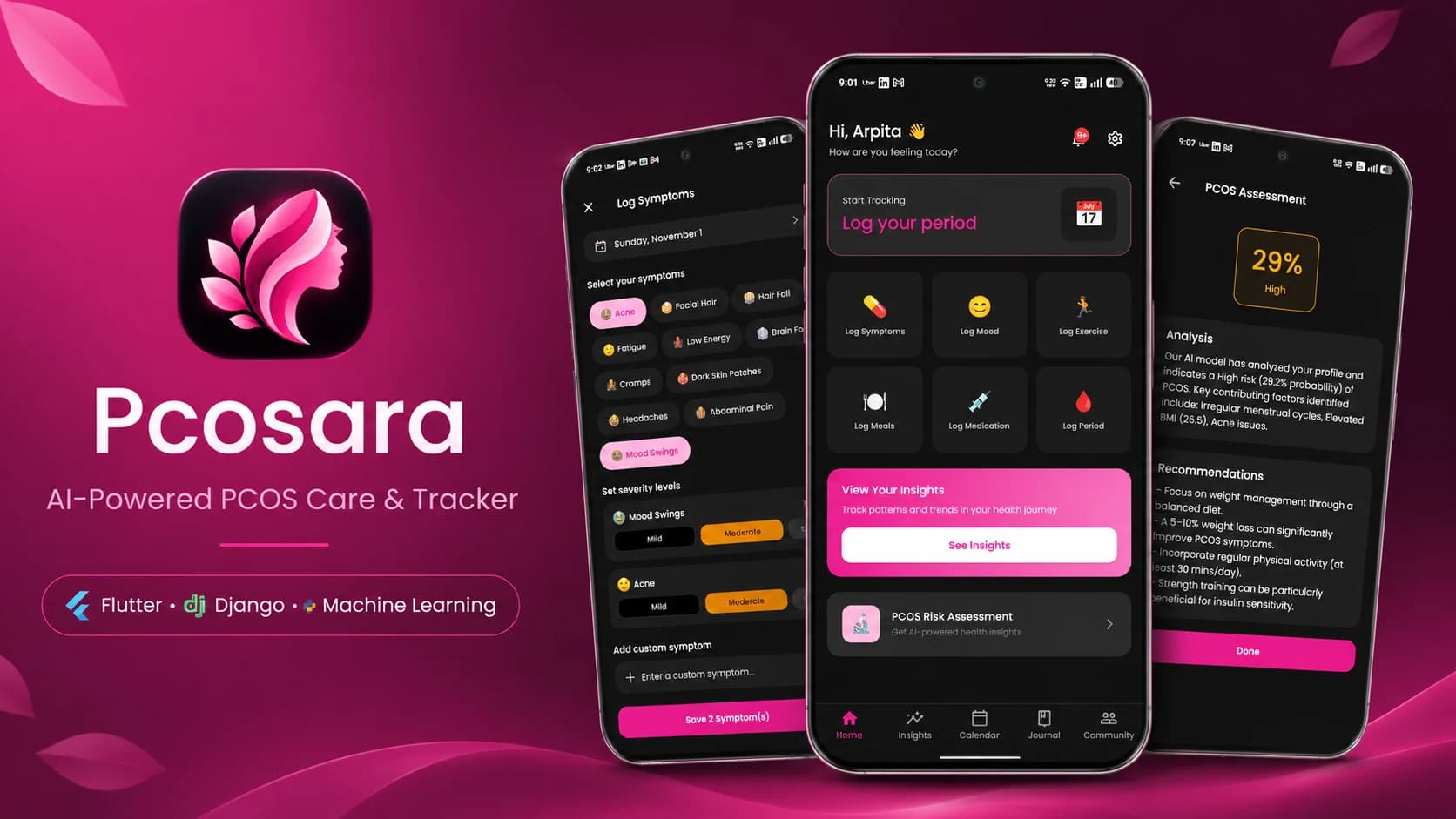
Pcosara - AI-Powered PCOS Care & Tracking App
Pcosara is a cross-platform app that helps women track PCOS symptoms, cycles and lifestyle habits, with an ML-based PCOS risk assessment. Built by CodeAj for a client in Mauritius.
View projectWhat our clients say
“Working with CodeAj has been such a positive experience. The projects delivered are original, carefully crafted from scratch, and tailored to meet expectations.”
Sprillxstone
Google Review“I received my project from CodeAJ on time, and the work was very neat and well-presented. The team maintained good communication.”
Jaya Shree
Google Review“I had an outstanding experience with CodeAj while developing my mobile app. Their team was incredibly cooperative, ensuring every customization was implemented flawlessly.”
Sonal
Google Review“The project was wonderful, and the way he patiently listened, understood all my ideas and presented them was amazing.”
Sreekrutha Pasunuru
Google ReviewWant results like this?
Tell us about your project and we’ll map out an approach tailored to your goals, timeline, and budget.